

Horizontal logo
Side-by-side emblem and wordmark for headers and wide spaces.
Download logo set ZIP · 386 KBThe Maximizing Potential brand
Find the artwork and tools to represent Maximizing Potential clearly and consistently.
Version 1.4 October 2026 32 pages
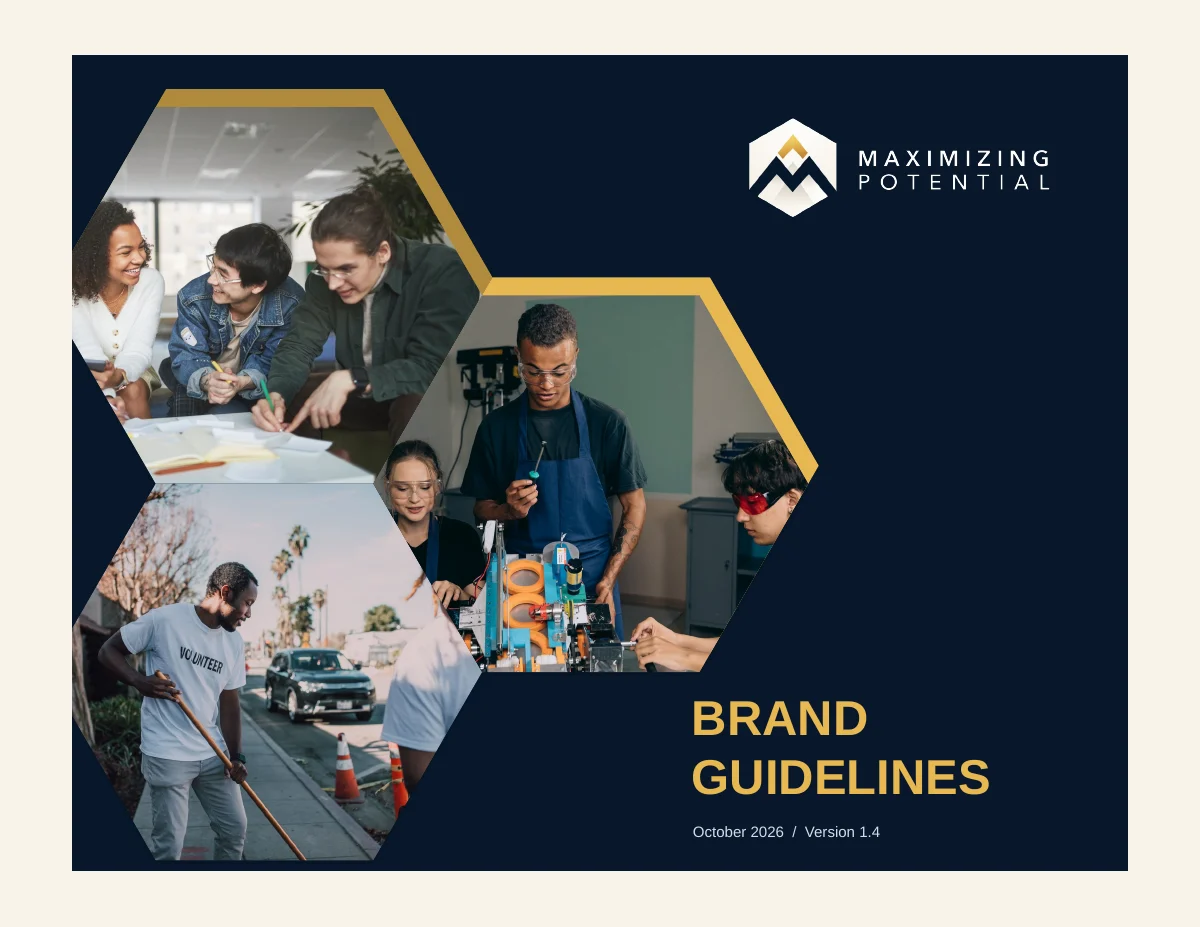 Explore the complete guide
01 / The identity
The original mountain emblem and wordmark, ready for light and dark backgrounds. Download PNG artwork for everyday use, with separate treatments for light and dark backgrounds.
Side-by-side emblem and wordmark for headers and wide spaces.
Download logo set ZIP · 386 KB
Emblem above the company name for square and centered layouts.
Download logo set ZIP · 450 KB
The original text-free emblem in standard and inverted versions.
Download logo set ZIP · 444 KB
Company name without the emblem, including all-navy and all-white wording.
Download logo set ZIP · 121 KB02 / The palette
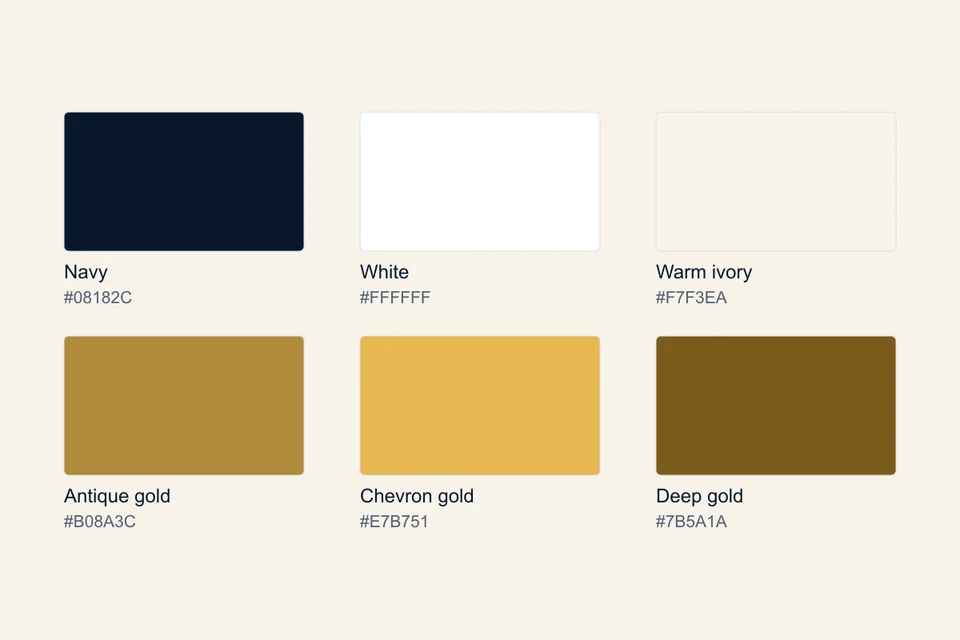
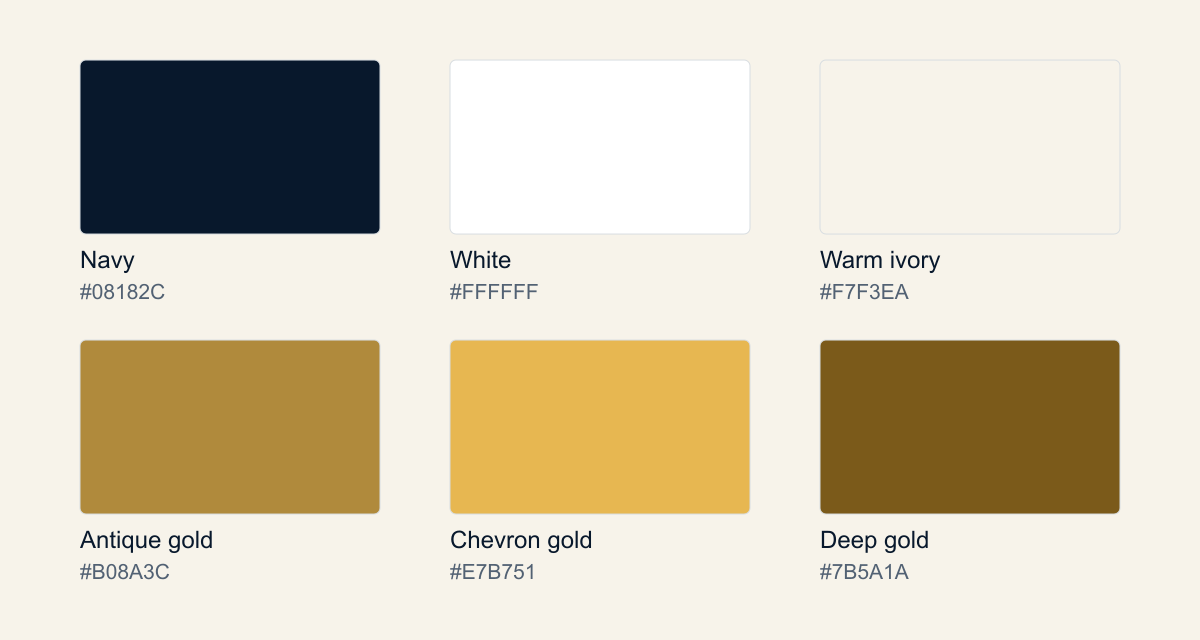
Navy, white and warm ivory create the foundation. Gold adds emphasis. Use deep gold for small accent text on light backgrounds.
RGB 8, 24, 44
Our anchor for text and dark surfaces.
RGB 255, 255, 255
Clear space and text on navy.
RGB 247, 243, 234
A warm foundation for layouts.
RGB 176, 138, 60
Rules, accents and button fills.
RGB 231, 183, 81
Bright accents on dark surfaces.
RGB 123, 90, 26
Readable accents on light surfaces.
These are screen color values. For print, use a color-managed proof for the chosen material. See page 25 of the guide for text contrast combinations.
03 / The typography
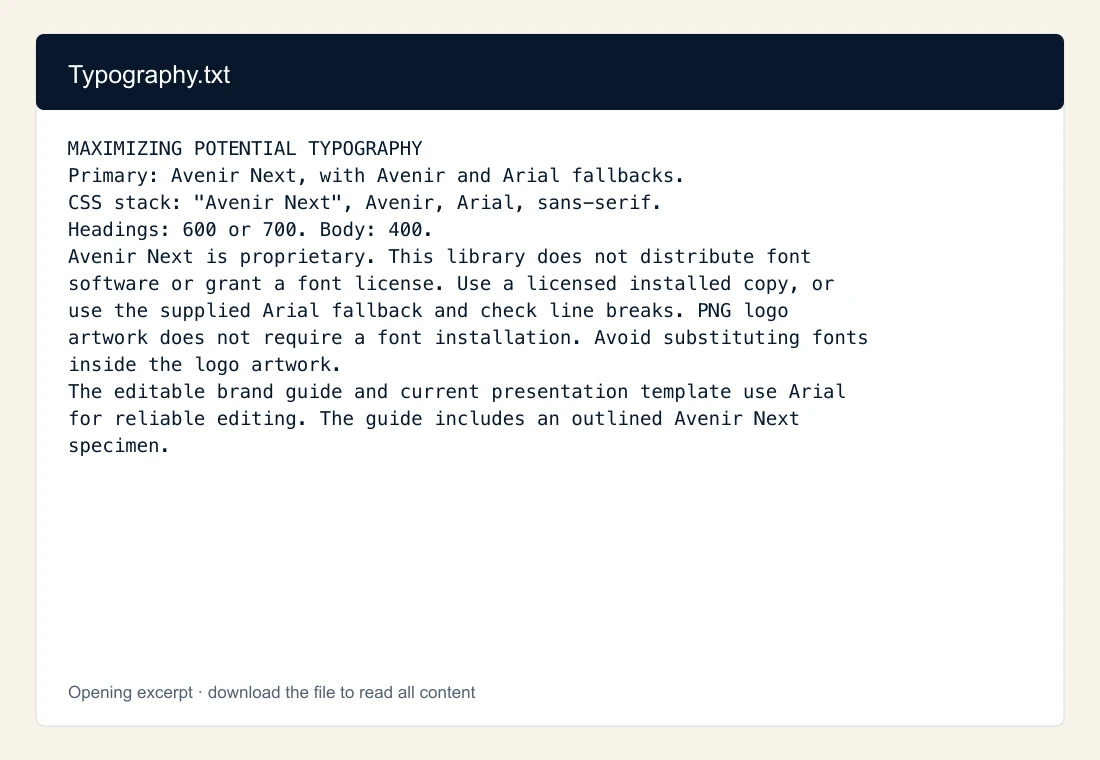
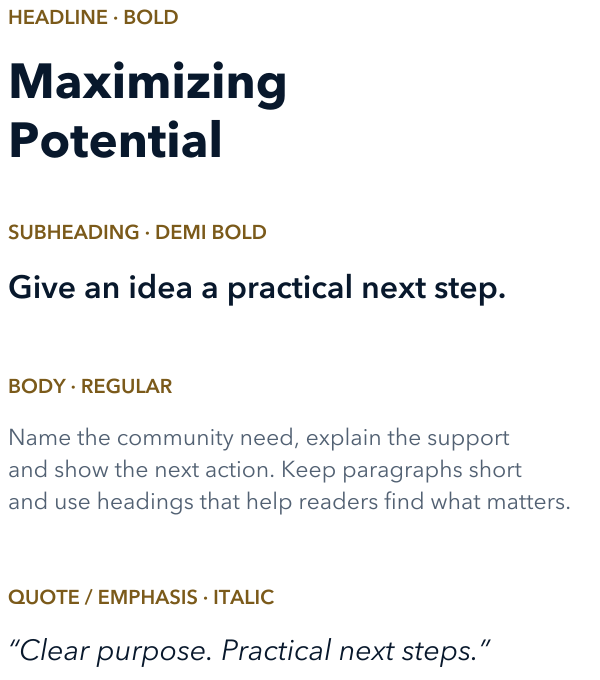
Avenir Next is our primary typeface. Arial is the reliable fallback for documents, presentations and shared files.
Primary family
Avenir Next
Maximizing
Potential.
Aa Bb Cc Dd Ee Ff Gg Hh Ii Jj
0123456789 & ? !
Document fallback
Arial
A practical
next step.
Use the licensed fonts available on your device. Our editable guide and presentation template use Arial to keep sharing reliable.
About ArialFont files are licensed separately and are not included in the downloads. PNG artwork preserves the original lettering and does not require a font installation.
04 / Put it to work
Start with an editable file, add your content, and check the finished layout at its intended size.
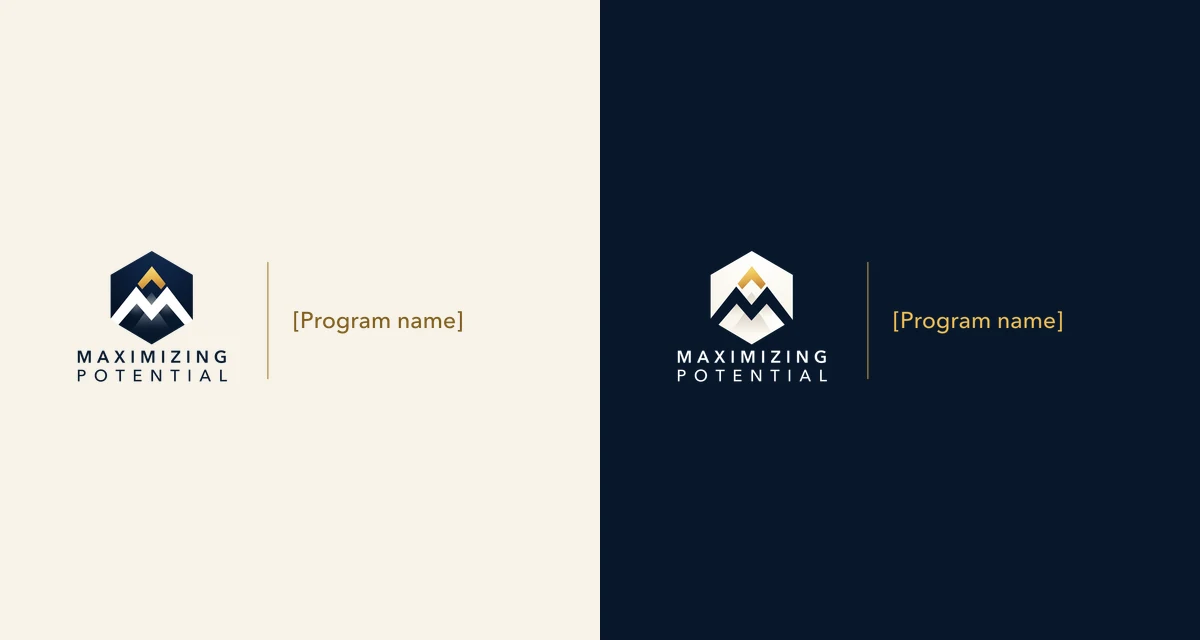
Light and dark PNG layout guides. Request a finalized lockup for a confirmed program name.
Complete family ZIP · 158 KB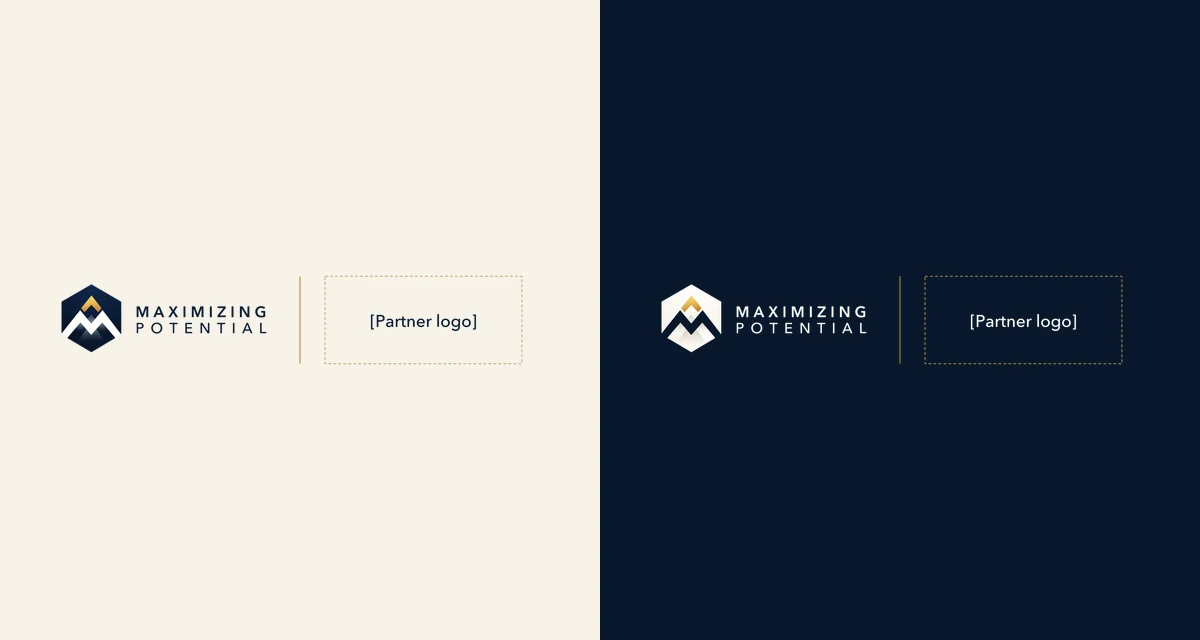
PNG layout guides for approved partner artwork. Request a finalized lockup before use.
Complete family ZIP · 133 KB
PNG supporting graphics, including five dotted backgrounds, hexagons and frame layout references.
PNG graphics pack ZIP · 654 KB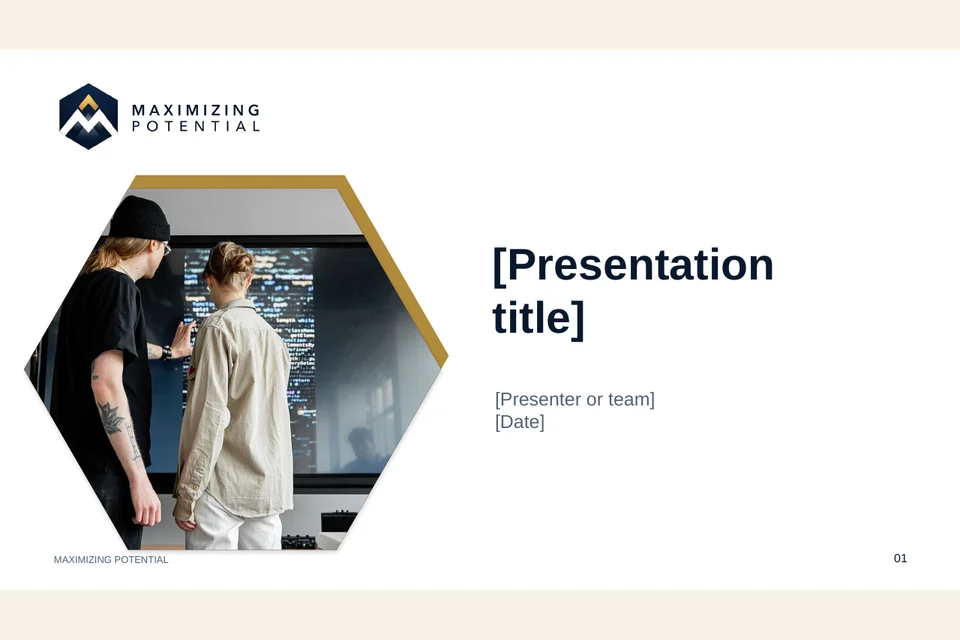
Seven editable 16:9 layouts, including cover, agenda, section, photo story, metrics, process and closing.
Blank US Letter stationery with editable Word headers and footers, plus a matching printable PDF.
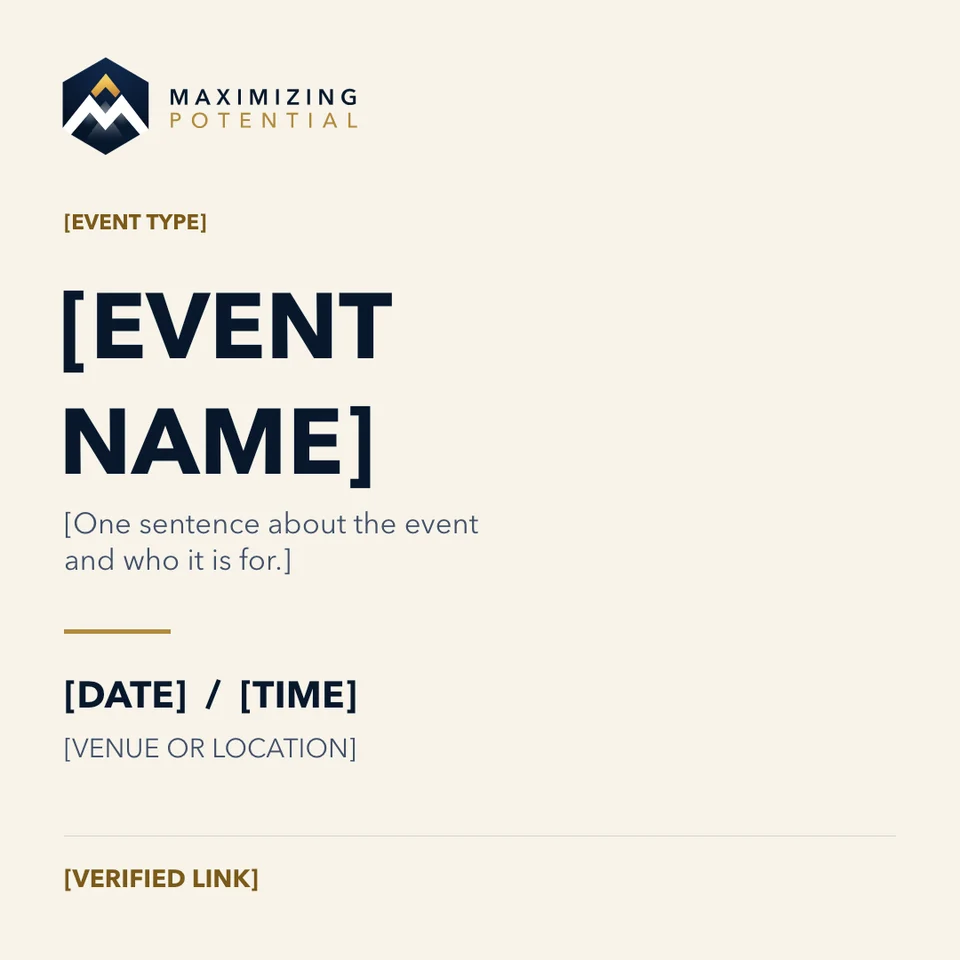
Editable social post and flyer layouts. Replace the marked fields and optional photo areas with confirmed campaign content.
Light and dark company-page artwork in ready-to-use PNG format.
All company headers ZIP · 205 KB
Light and dark 1200 × 900 PNG layout references. Use the PowerPoint marketing templates for editable campaign text.
Digital ad PNGs ZIP · 82 KB
A reusable HTML signature with editable name and role fields, contact links and a logo image.
Email signature ZIP · 206 KB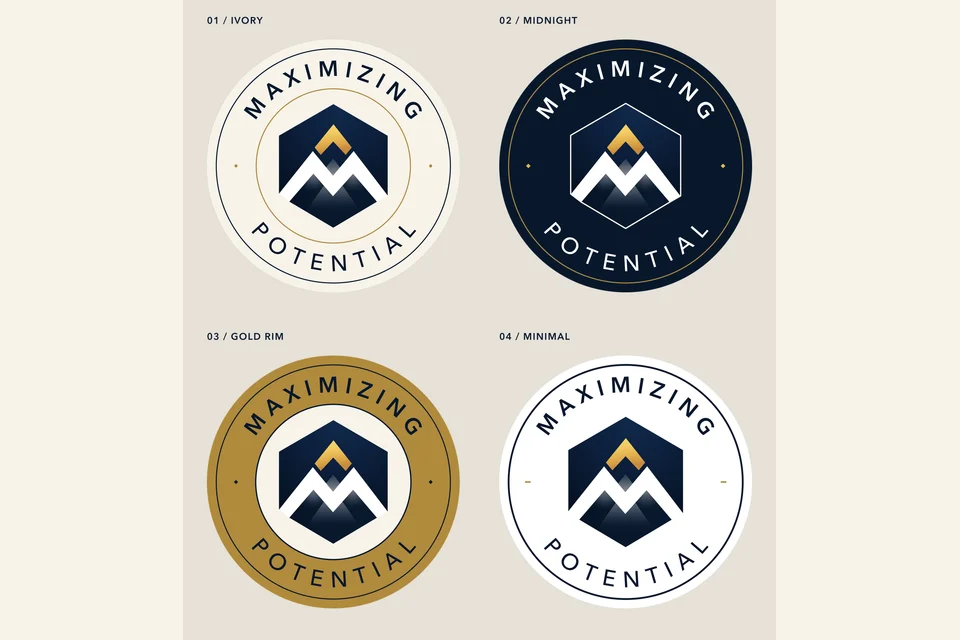
The original company-name sticker plus ivory, midnight, gold-rim and minimal PNG variations. Includes bleed files and print notes.
All sticker variations ZIP · 2.6 MB
PNG artwork concepts and separate production guides. Confirm image resolution, dimensions, bleed and final supplier dielines before ordering.
Merchandise PNGs ZIP · 523 KBDownload the editable PowerPoint source. Strategy statements on pages 4–7 are proposed for leadership review.
The complete file library
See each file before downloading. Select any preview to enlarge it. Document previews show the first page; artwork previews show the individual PNG.
84 individual files












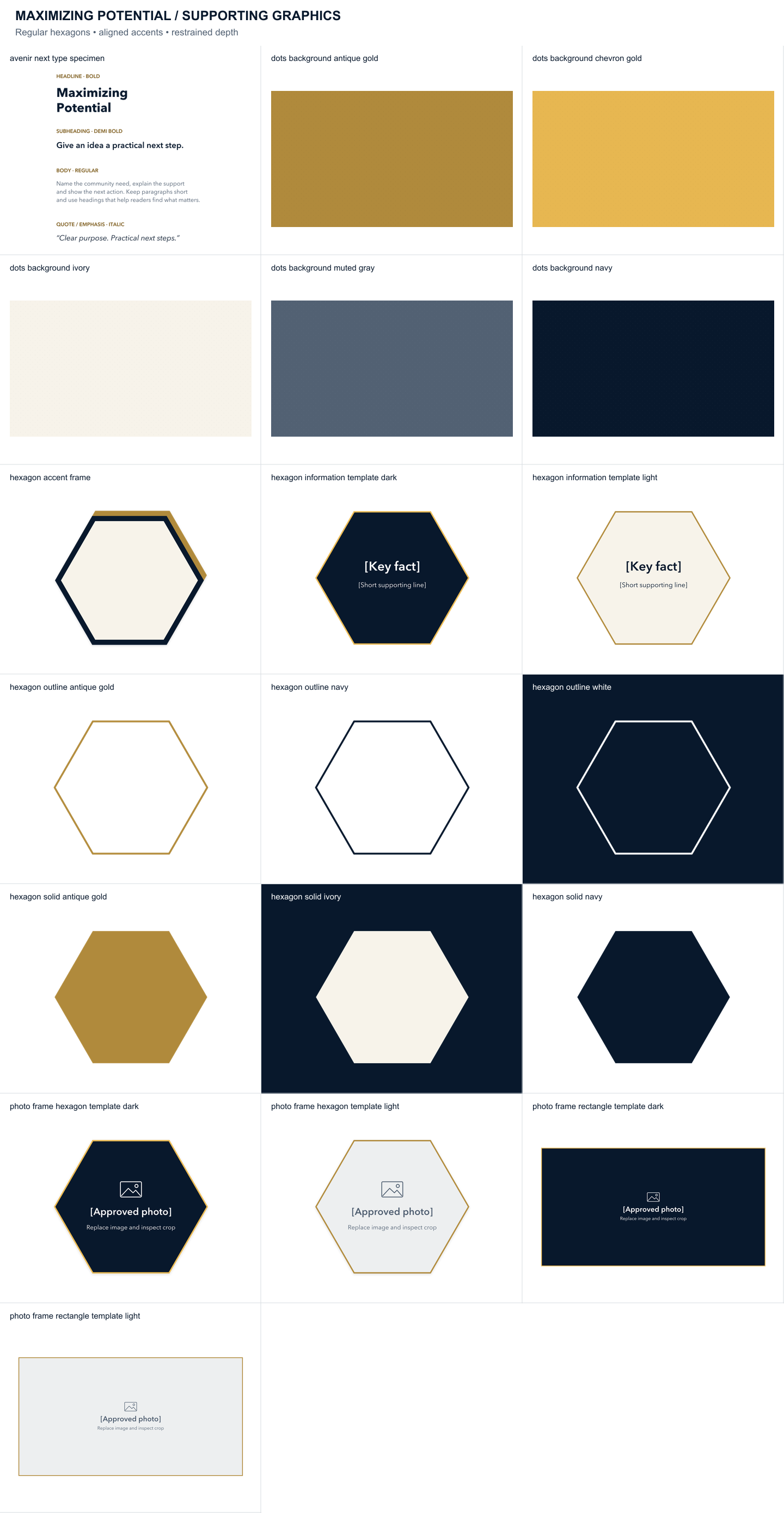






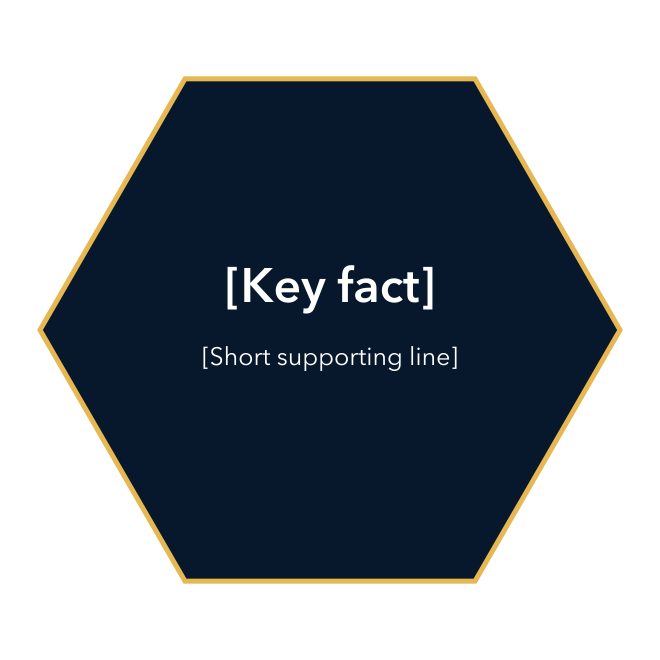
Hexagons, patterns and frames
Artwork preview
Download PNG PNG · 29 KB
Hexagons, patterns and frames
Artwork preview
Download PNG PNG · 29 KB





Hexagons, patterns and frames
Artwork preview
Download PNG PNG · 38 KB
Hexagons, patterns and frames
Artwork preview
Download PNG PNG · 38 KB
Hexagons, patterns and frames
Artwork preview
Download PNG PNG · 45 KB
Hexagons, patterns and frames
Artwork preview
Download PNG PNG · 44 KB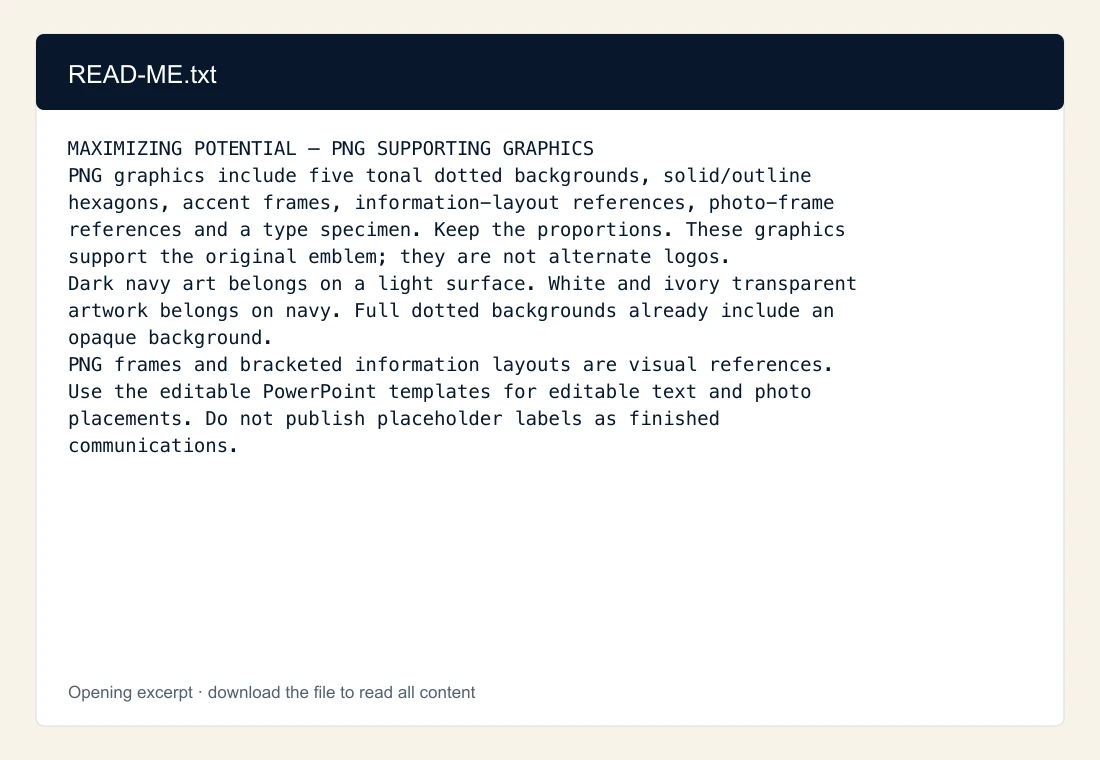
Hexagons, patterns and frames
Content excerpt
Download TXT TXT · 1 KB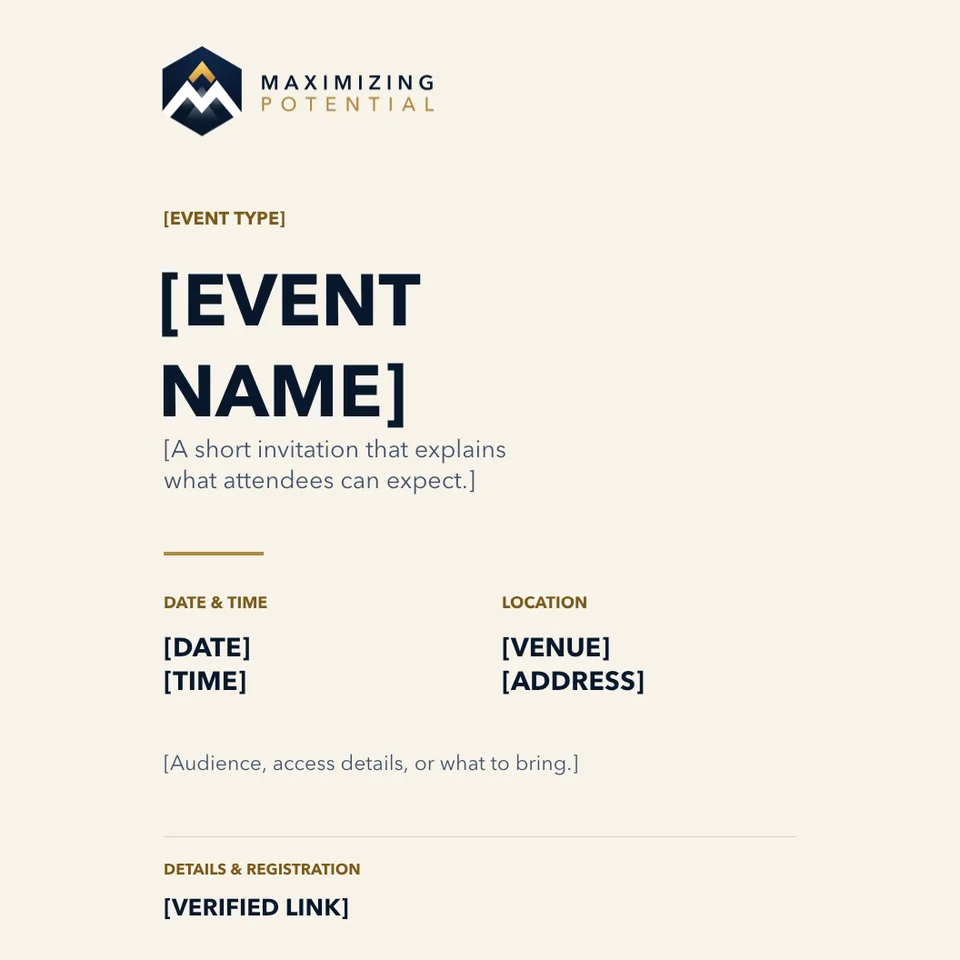

Company LinkedIn headers
Artwork preview
Download PNG PNG · 85 KB
Company LinkedIn headers
Artwork preview
Download PNG PNG · 35 KB
Company LinkedIn headers
Artwork preview
Download PNG PNG · 87 KB
Company LinkedIn headers
Artwork preview
Download PNG PNG · 36 KB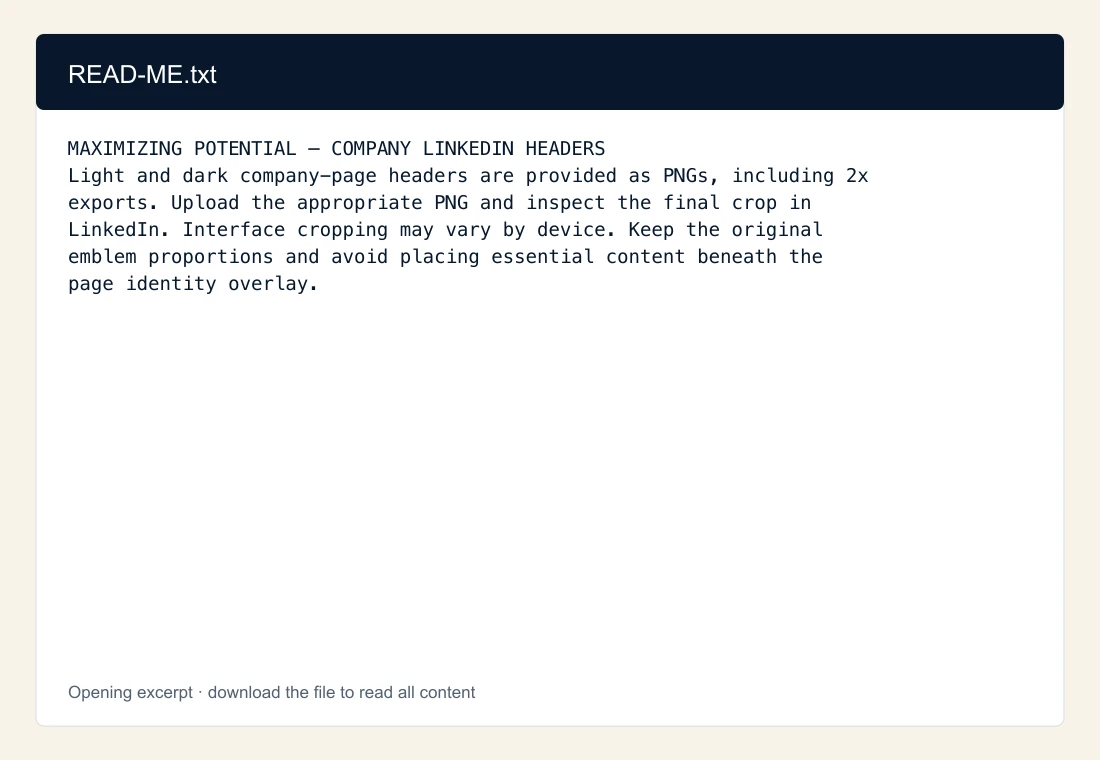
Company LinkedIn headers
Content excerpt
Download TXT TXT · 1 KB


Three-inch circular stickers
Artwork preview
Download PNG PNG · 301 KB
Three-inch circular stickers
Artwork preview
Download PNG PNG · 291 KB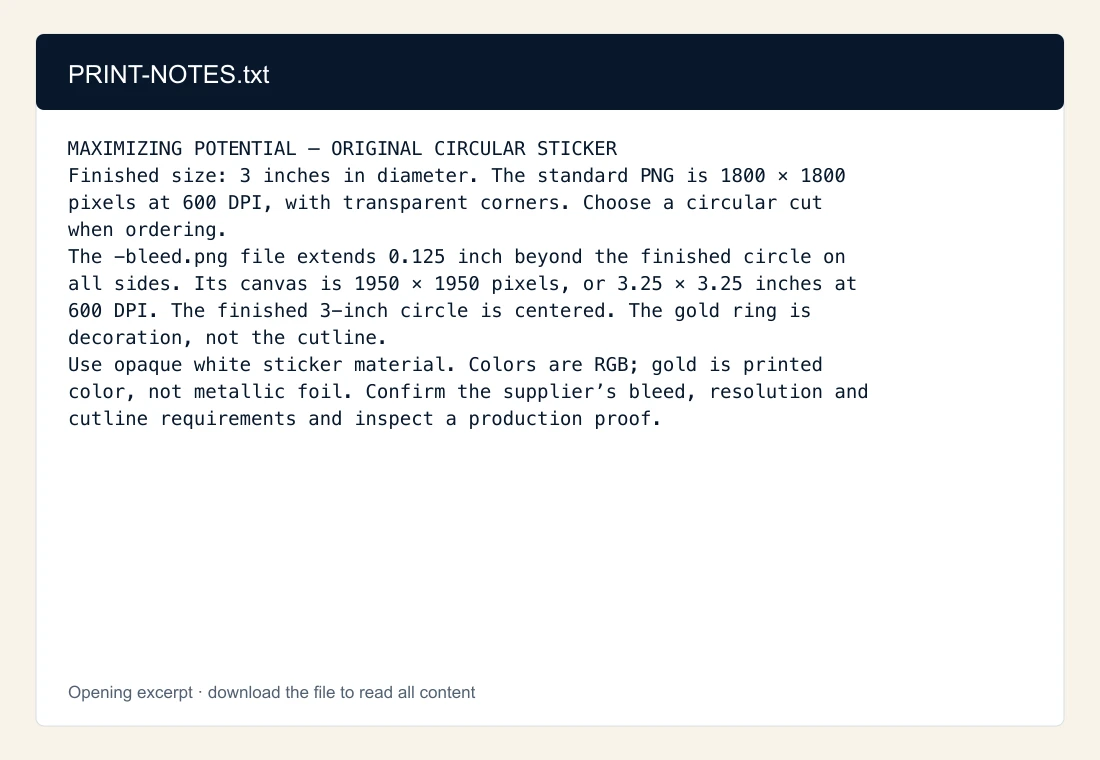

Three-inch circular stickers
Artwork preview
Download PNG PNG · 307 KB
Three-inch circular stickers
Artwork preview
Download PNG PNG · 298 KB
Three-inch circular stickers
Artwork preview
Download PNG PNG · 282 KB
Three-inch circular stickers
Artwork preview
Download PNG PNG · 273 KB
Three-inch circular stickers
Artwork preview
Download PNG PNG · 299 KB
Three-inch circular stickers
Artwork preview
Download PNG PNG · 289 KB
Three-inch circular stickers
Artwork preview
Download PNG PNG · 227 KB
Three-inch circular stickers
Artwork preview
Download PNG PNG · 227 KB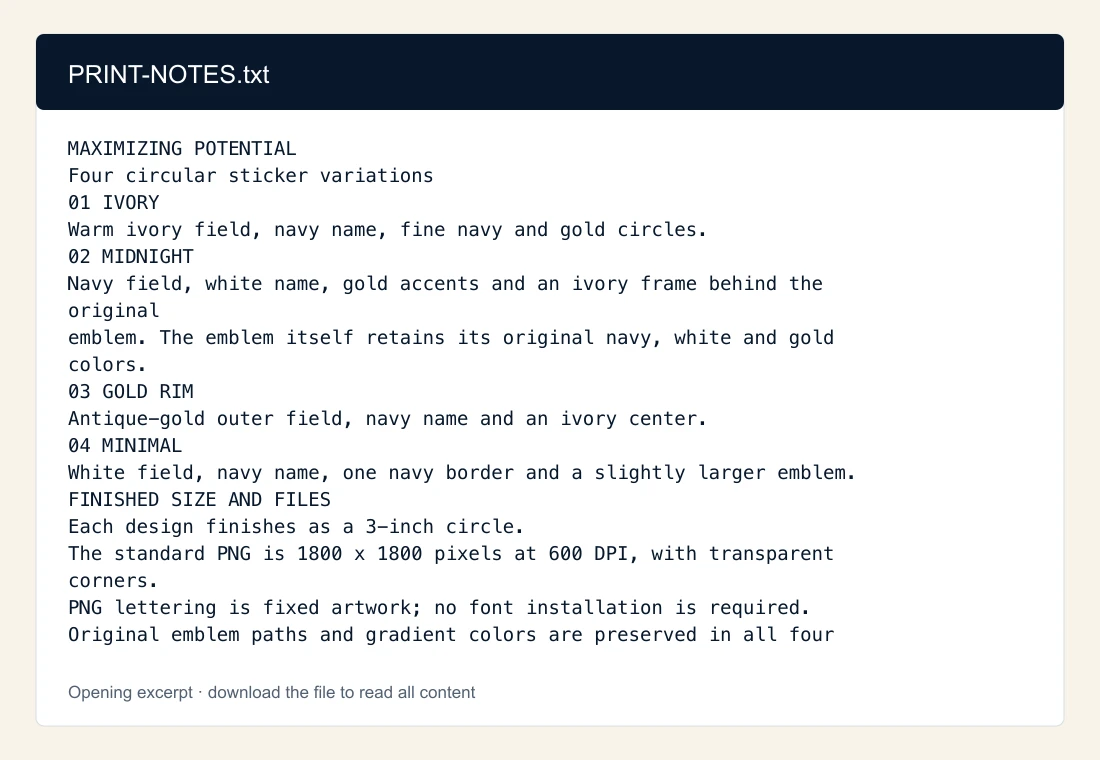
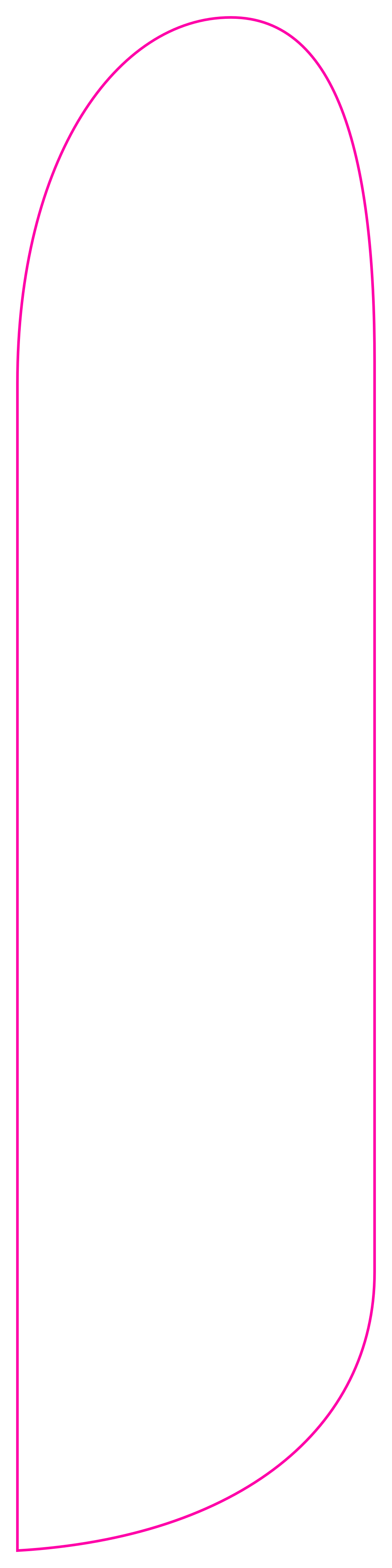



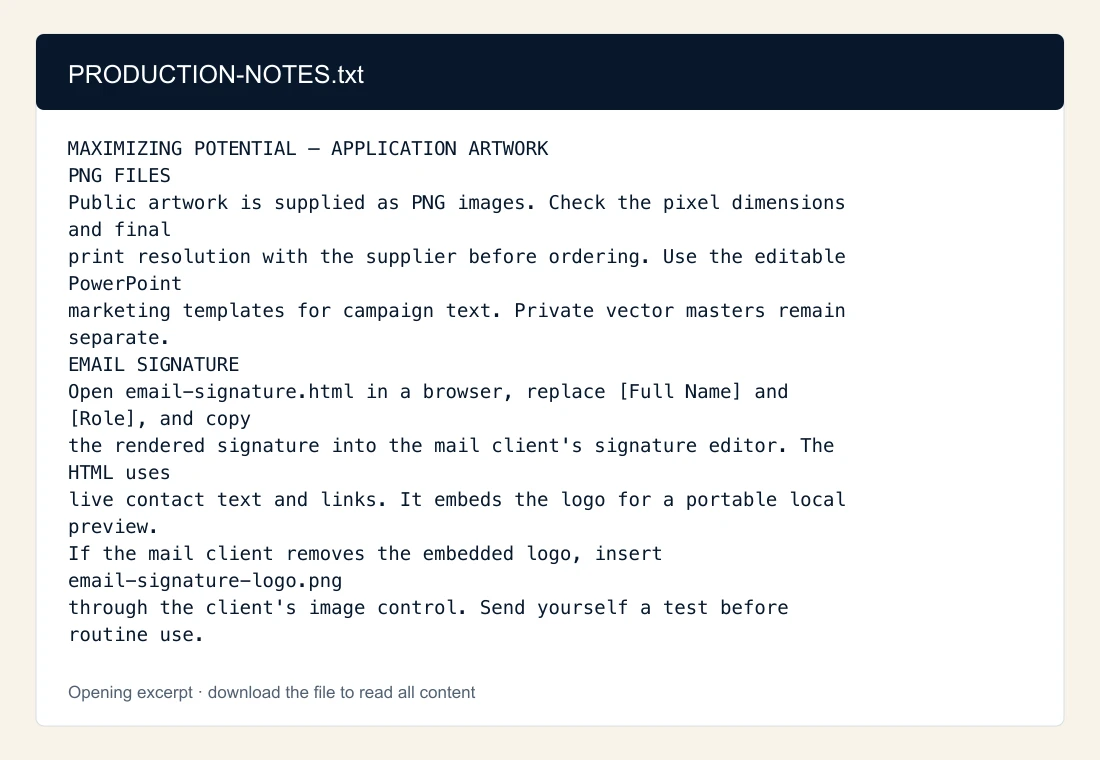


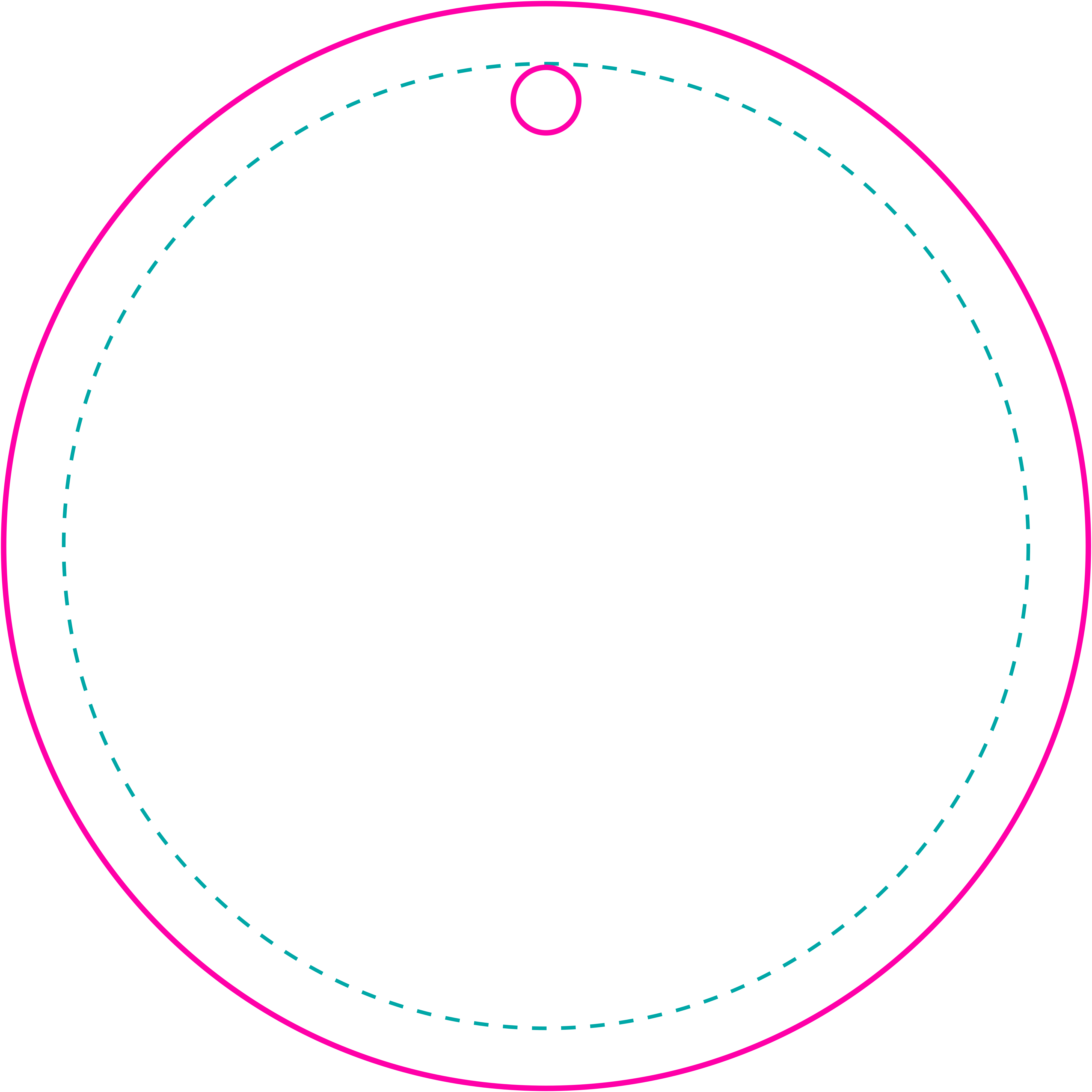
Flags, banners and keychains
Artwork preview
Download PNG PNG · 261 KB
No files match these filters. Try a different word, asset type or format.
05 / People & purpose
30 licensed stock photographs for collaboration, listening, practical making and community action. Check where each image appears before choosing one for a new layout. 5 are reserved for future use.
Showing 9 of 30 photographs · 5 reserved for future use

Collaboration
Andy Barbour / Pexels
In the kit: Brand guide · page 1

Learning
Keira Burton / Pexels
In the kit: Brand guide · page 2
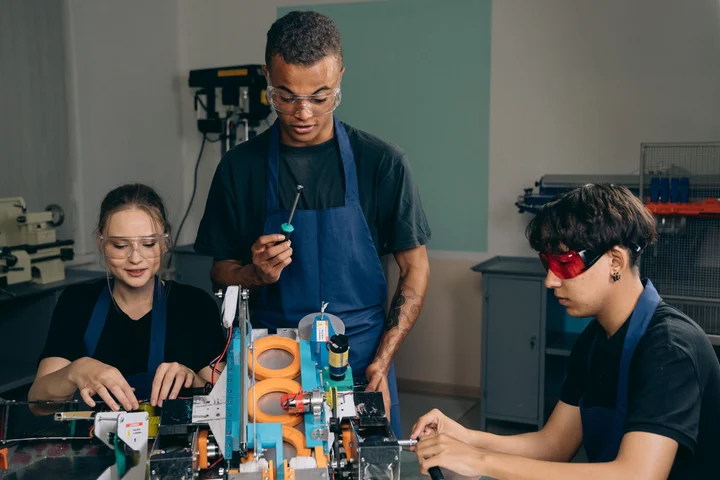
Making
Mikhail Nilov / Pexels
In the kit: Brand guide · page 1
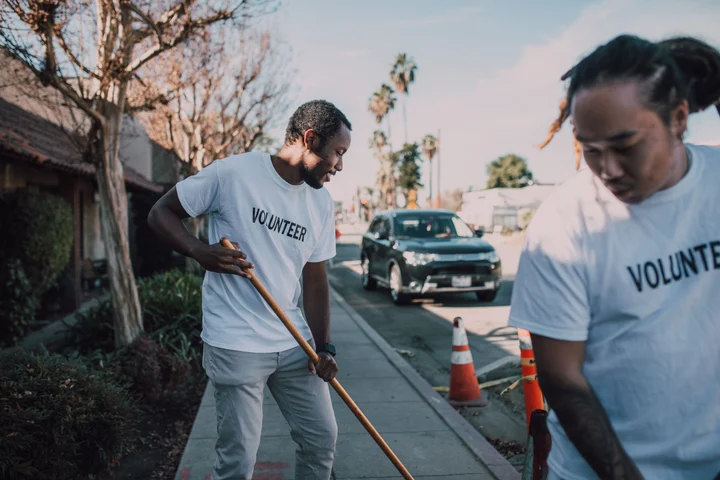
Community
RDNE Stock project / Pexels
In the kit: Brand guide · page 1
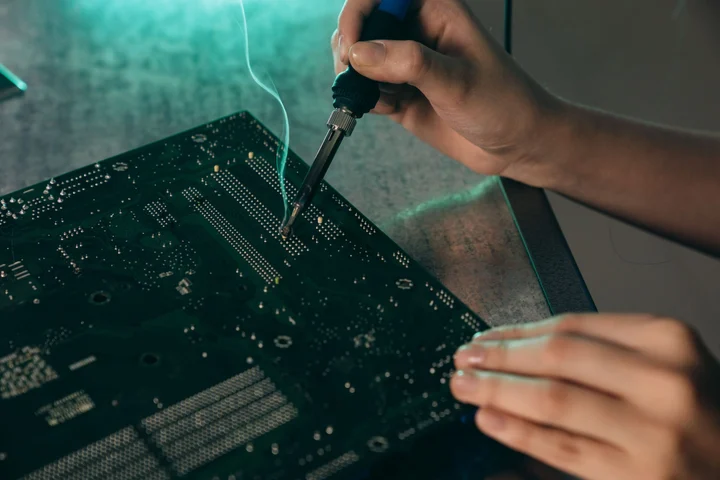
Making
Mikhail Nilov / Pexels
In the kit: Brand guide · page 3
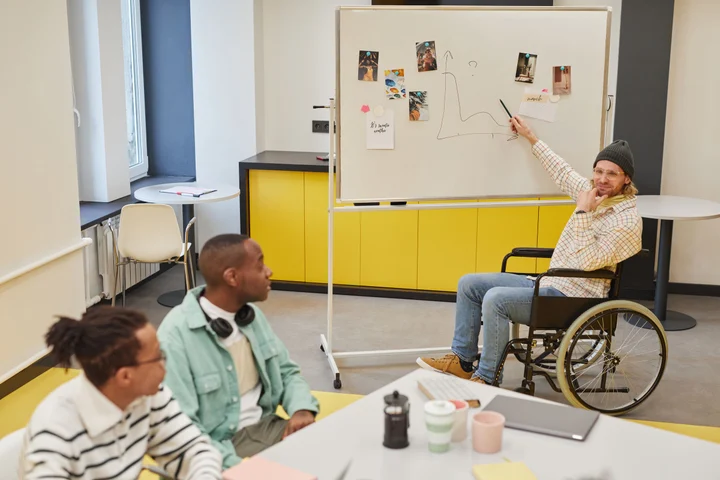
Collaboration
Moe Magners / Pexels
In the kit: Brand guide · page 3

Learning
Kampus Production / Pexels
Reserved for a future layout

Learning
Monstera Production / Pexels
In the kit: Brand guide · page 23

Community
Gustavo Fring / Pexels
In the kit: Brand guide · page 3

Collaboration
cottonbro studio / Pexels
In the kit: Brand guide · page 23
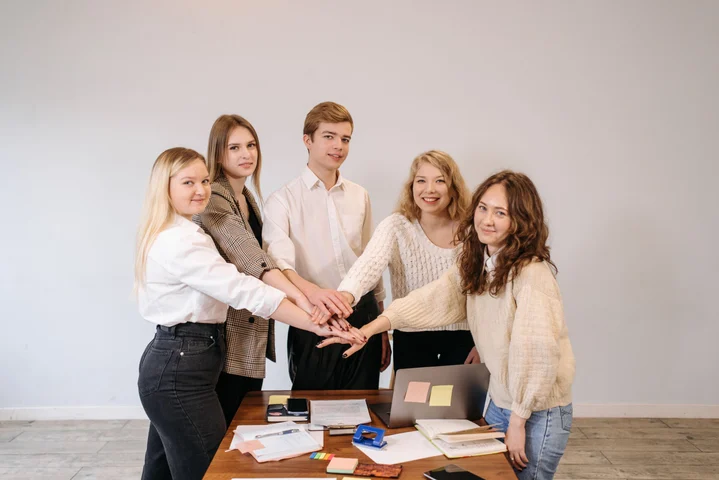
Collaboration
Pavel Danilyuk / Pexels
Reserved for a future layout

Learning
George Pak / Pexels
In the kit: Brand guide · page 32

Community
Anna Shvets / Pexels
In the kit: Presentation template · slide 2

Learning
Kampus Production / Pexels
In the kit: Brand guide · page 23
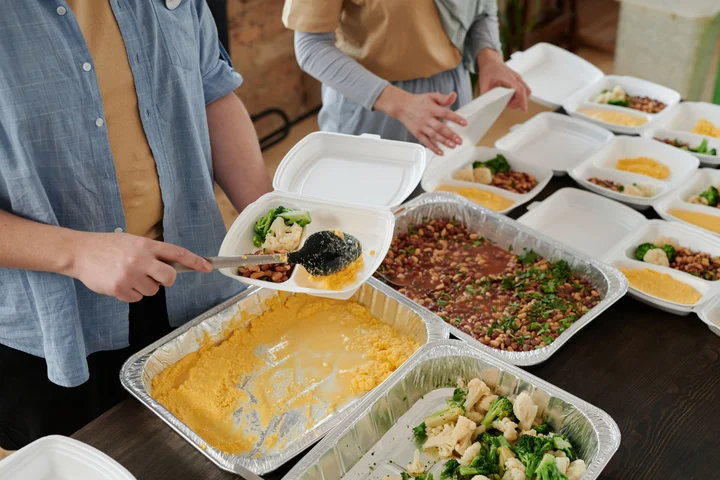
Community
Julia M Cameron / Pexels
In the kit: Brand guide · page 23

Learning
Vanessa Garcia / Pexels
In the kit: Brand guide · page 6
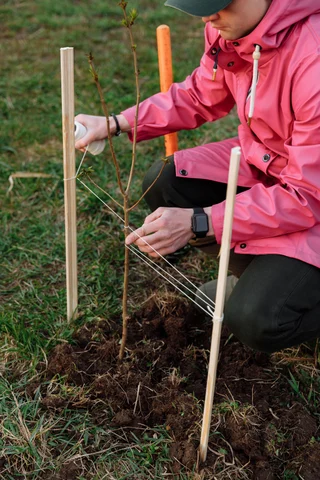
Community
Thirdman / Pexels
In the kit: Brand guide · page 32
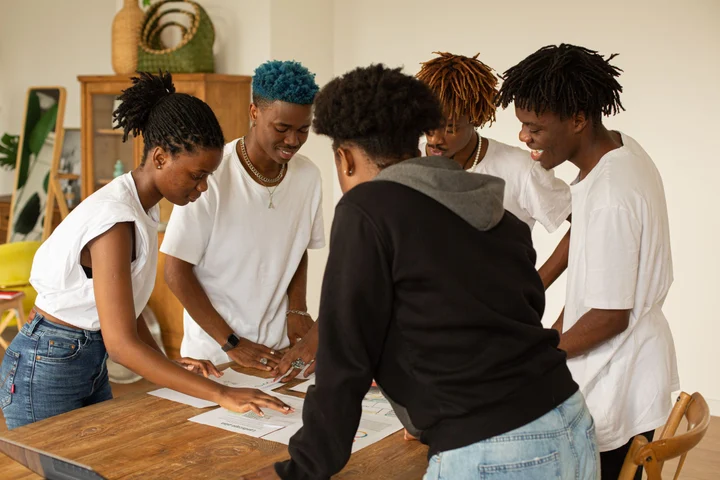
Collaboration
Monstera Production / Pexels
In the kit: Brand guide · page 27

Learning
Vanessa Loring / Pexels
In the kit: Brand guide · page 32

Making
Jakub Zerdzicki / Pexels
In the kit: Brand guide · page 20
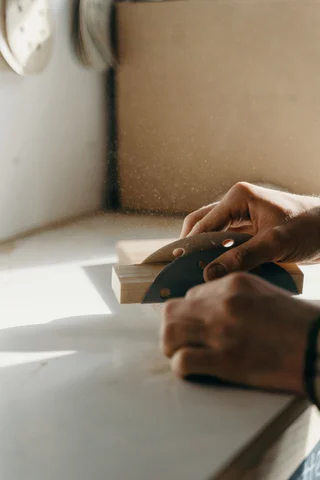
Making
cottonbro studio / Pexels
In the kit: Brand guide · page 23
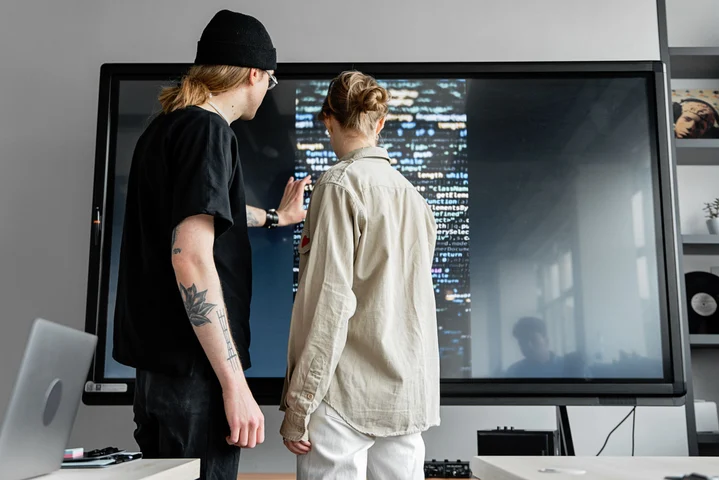
Collaboration
Mikhail Nilov / Pexels
In the kit: Presentation template · slide 1
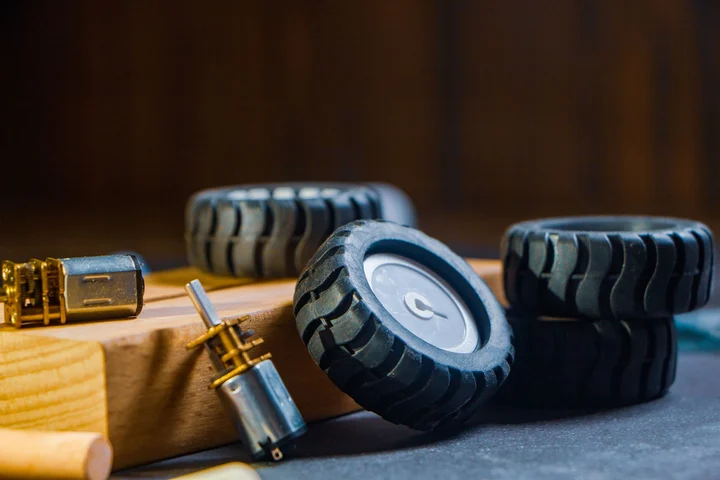
Making
Tanha Tamanna Syed / Pexels
Reserved for a future layout

Making
Pavel Danilyuk / Pexels
In the kit: Brand guide · page 27
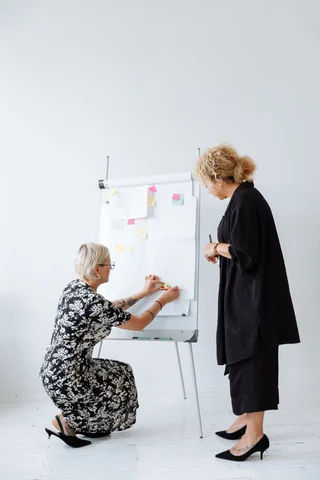
Collaboration
Thirdman / Pexels
In the kit: Brand guide · page 27
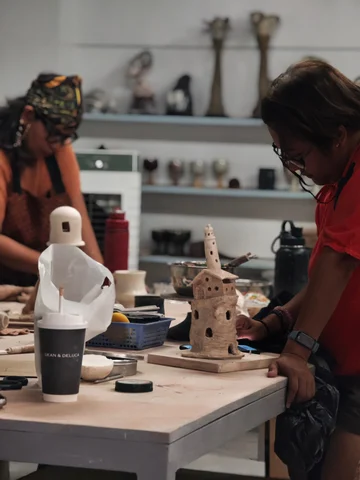
Making
Jobelle Meana / Pexels
Reserved for a future layout
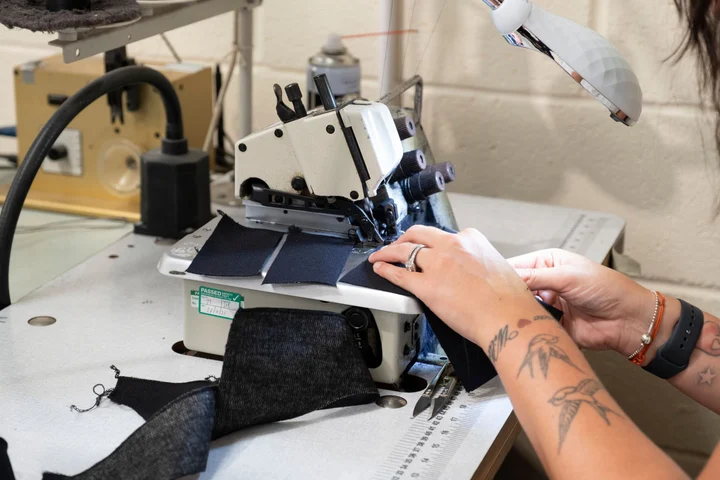
Making
Mick Latter / Pexels
In the kit: Brand guide · page 6

Making
Ron Lach / Pexels
In the kit: Brand guide · page 23

Learning
Yan Krukau / Pexels
In the kit: Presentation template · slide 4

Making
Gustavo Fring / Pexels
Reserved for a future layout
No photographs match these filters. Try another search or clear the filters below.
Each content placement in the guide and presentation uses a different photograph; asset previews show the actual files. Stock photographs do not depict Maximizing Potential events or participants. Download originals from the provider, keep the source and license records, and do not imply endorsement. Read the Pexels license .
Use the supplied artwork. Keep the emblem and wordmark proportional. Choose the correct background treatment.
Make the message accessible. Use readable type, meaningful alt text and sufficient contrast.
Confirm the details. Replace template fields, verify contact information and confirm partner permission before publishing.
Proof before production. Merchandise artwork is a starting point. Confirm the supplier’s dimensions, bleed and finished proof.
Brand support
Send the audience, format, dimensions and deadline with your draft.